

This tab controls the notification sounds. You can use the built-in sounds or upload your own.
Sound Source Selection #
Choose where your notification sounds come from:
Default Sounds #
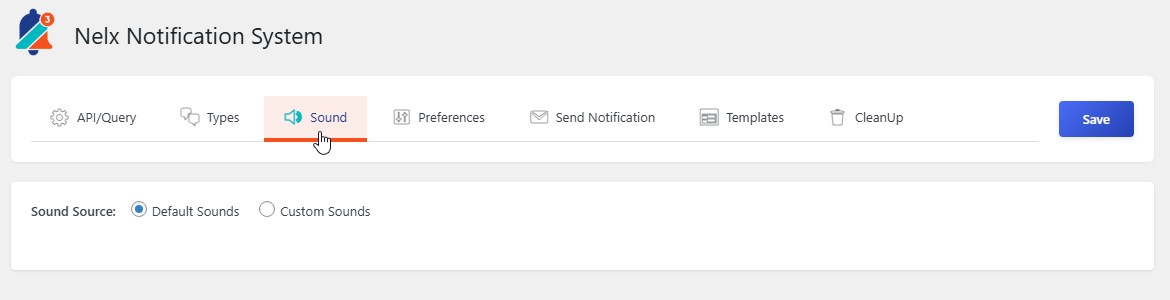
The plugin comes with five built-in notification sounds:
- Default
- Alert 1
- Alert 2
- Alert 3
- Alert 4
- Alert 5
Custom Sounds #
Upload your own MP3 files:
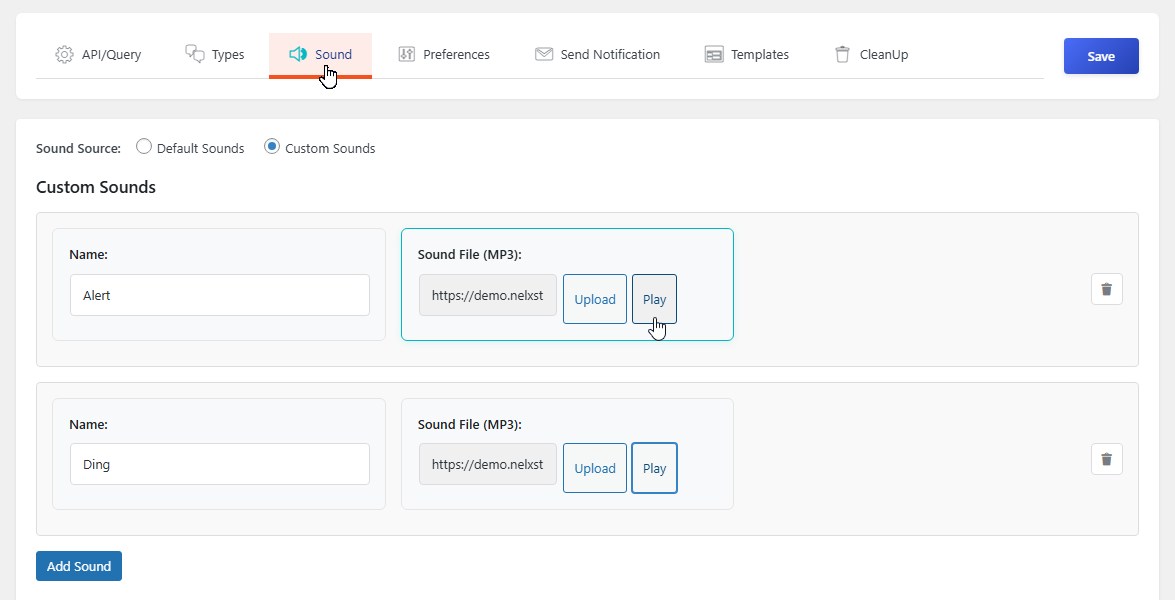
- Select Custom Sounds
- Click Add Sound
- Give your sound a name (e.g., “Gentle Chime”)
- Click Upload to select an MP3 file from your media library
- Click Play to preview the sound
- Add more sounds as needed
Managing Custom Sounds #
- Remove a Sound — Click the trash icon next to any sound
- Edit a Sound — Change the name or upload a new file
- Play Preview — Click the Play button to hear what the sound sounds like
Note: Just like default sounds, custom sounds are global — they’re available to all users who can customize their sound preferences.


